Back to the list
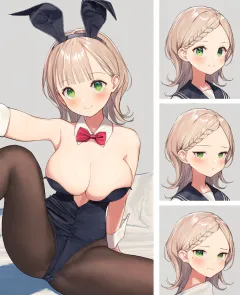
Original picture

Shuffle the layout

Guide

鍵を掛けた行は、「シャッフル」でも ▲▼ でも入れ替わりません。鍵の掛かっていない行は、▲▼ でその行の素材だけを替えられます。素材の名前のプルダウンからは、使いたい素材を直接選べます。

Click a row's edit button, or a stamp or line on the picture, to select it (click elsewhere on the picture to deselect). Move, resize and rotate the selected item on the picture (kept until you reload the page). After pressing ▲▼ on a row, the ↑↓ keys also change that row's item.

Use "+ Stamp" to add a stamp row. Added rows start in the middle of the picture; you can pick a set or remove them with "−".

Use ◀ ▶ below the picture to go back to combinations you have shuffled (they are kept in this browser only while the page is open). Press "Auto" to shuffle automatically every 1.1 seconds; press it again to stop.

気に入った並びで絵の右下の ♡ を押すと、その並びが落書きとして残り、ほかの方も一覧で見られます。もう一度押すと外せます。

    2026-11-15

    Posted
    November 15, 2026

    Drawn by VDPZEQ9V6ZTA #VDPZEQ9V6ZTA

    See the original

    Tags

    Works in the same folder

    Recommended Works with a similar feel